App
Apps and modules offer quickstart YAML config files for local and online editing.
Main Config
Each app defines a main config file which +includes the config files of its required modules (e.g., inputs, output).
Edit Main config files to select which different configurable modules comprising the app to load.
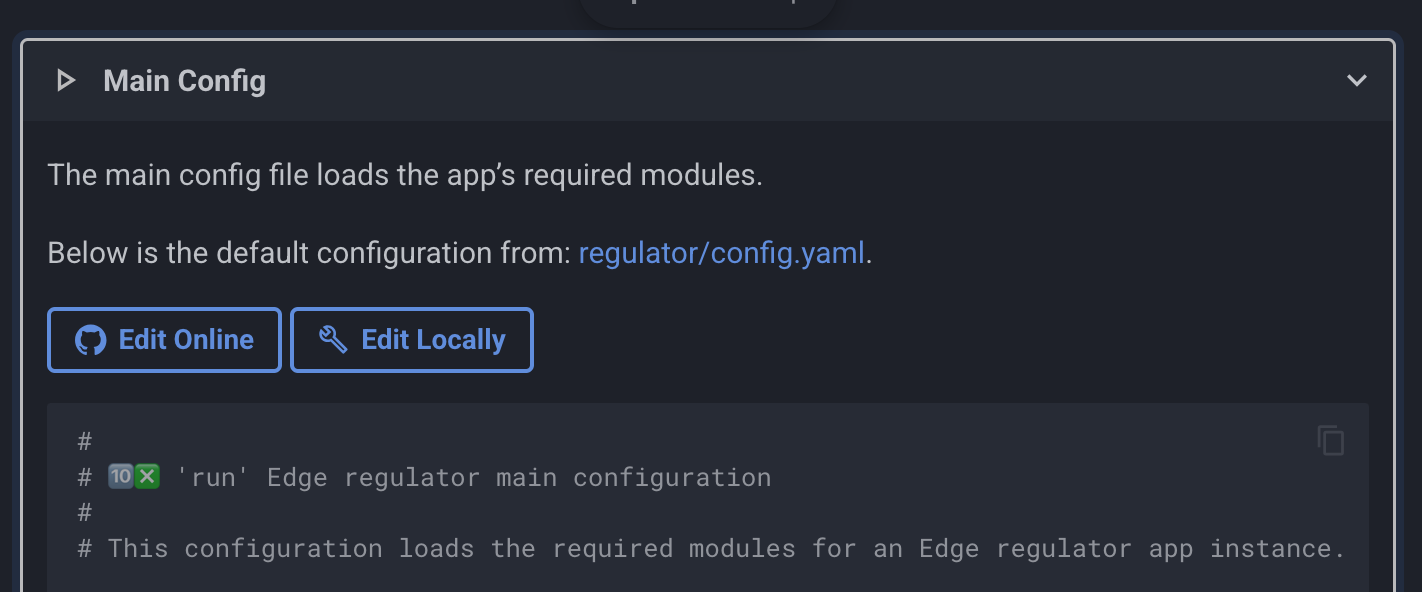
For example, the Edge reporter main config file loads metric output modules for publishing cost insight metrics to an array of time-series DBs (e.g., Prometheus, Datadog).
Module Config
Edit module config files to enable and configure input, processing and output modules.
Default values are provided where possible. Fields that require user input (e.g., api keys) are marked with (# ❗ REQUIRED).
For example, to enable a Datadog output, ensure its Datadog api and app keys are set inline or (preferably) via environment variables, and any other optional value defined in its config file.
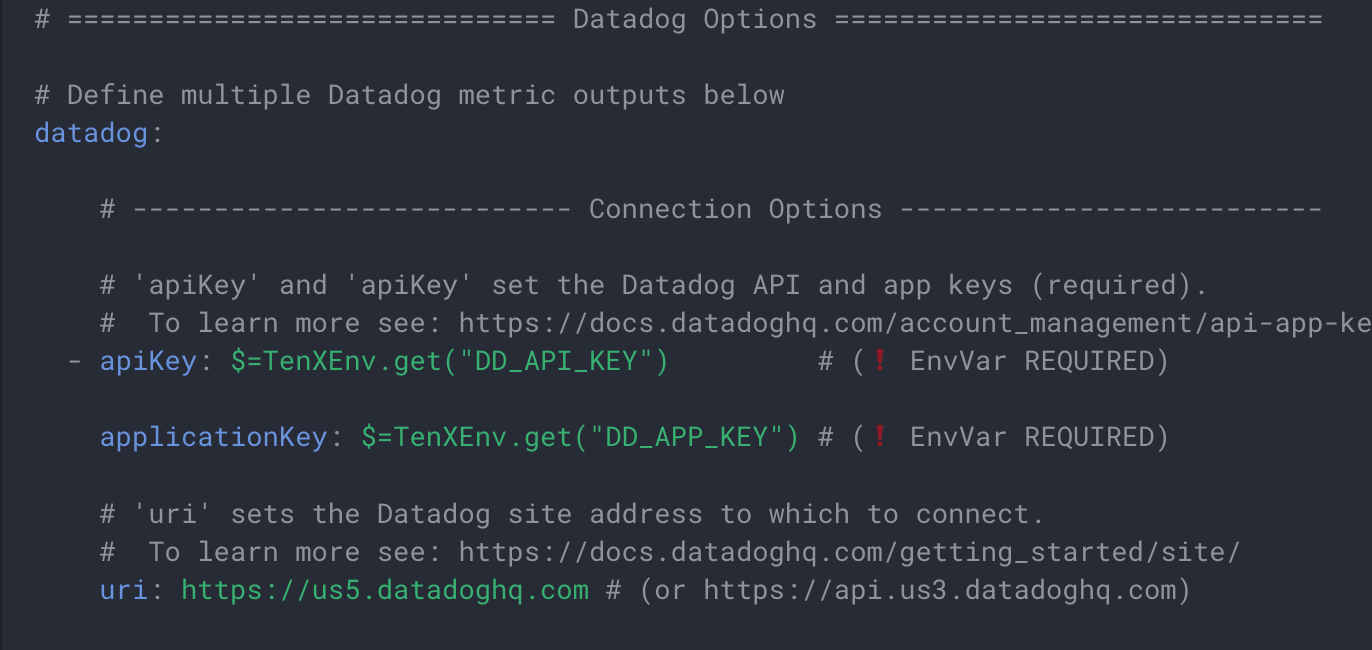
Edit Online
Manage configurations via a secure, centralized GitOps workflow.
The 10x Engine can pull config and JavaScript files at startup and in response to remote changes.
To edit modules files using the github.dev online editor:
-
Select the module you would like to edit and click its
Edit Onlinebutton. For example, click the button below to edit the Datadog output config: -
Edit the file on vscode.dev and press Save (Ctrl+S), which saves locally in the browser.
-
Open the Source Control panel (Ctrl+Shift+G), stage changes, and click Commit.
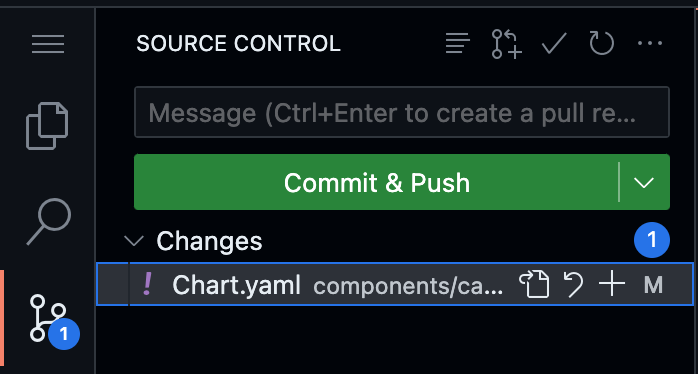
-
When promoted: “You don’t have write access. Fork this repository.”, click “Fork this repository,” to create your own branch. To learn more see Source Control.
-
Configure the 10x Engine to pull your branch at run time to execute your configuration.
Edit Locally
Click the Edit Locally button to open an embedded VS Code-style editor with YAML syntax highlighting and schema-based validation.
Use the toolbar buttons to:
- Save - View config file locations on disk and download the edited file
- Copy - Copy the config to clipboard
- Fullscreen - Expand the editor to full screen
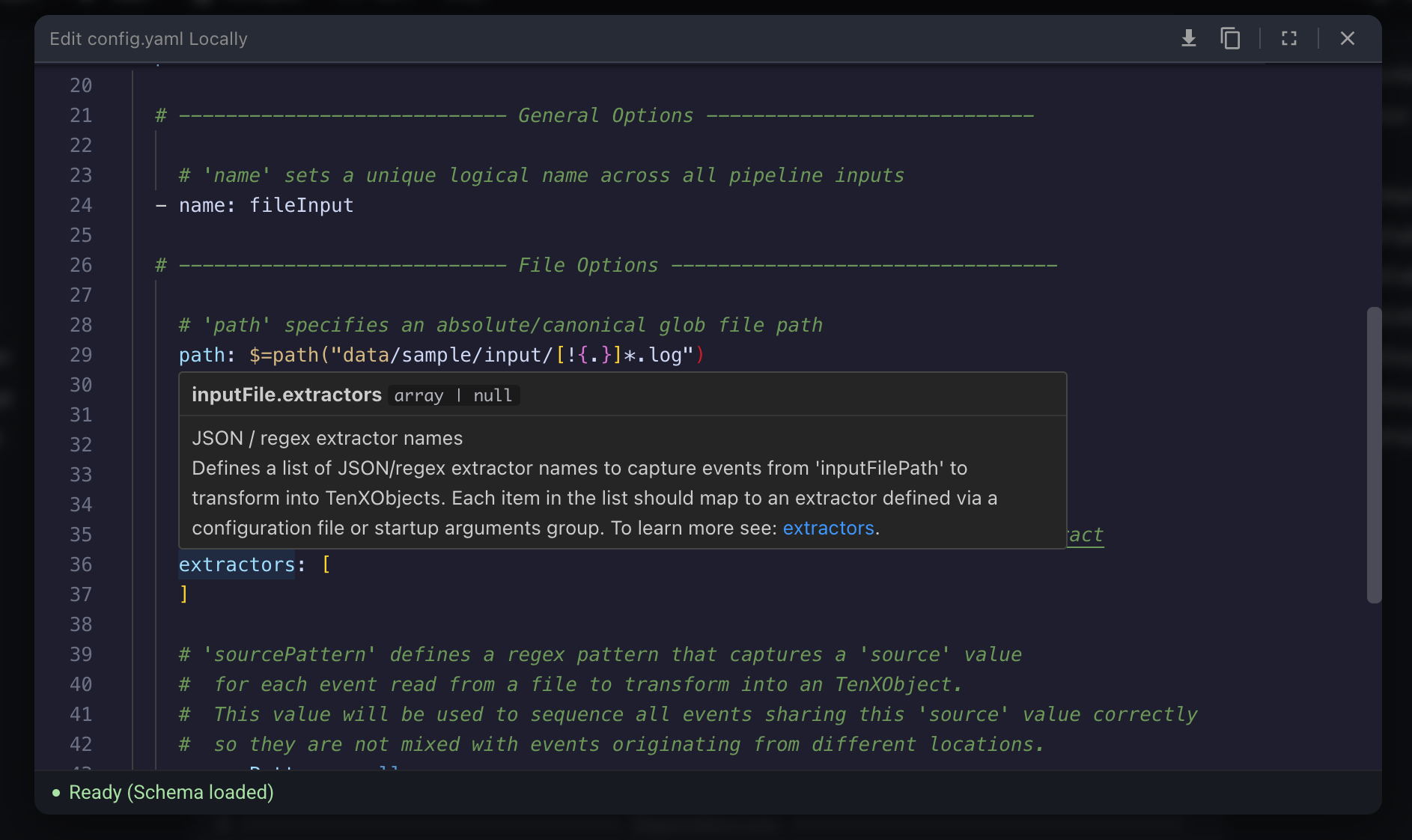
Structured Editing
Each config file is defined by a matching schema.json file which enables structured editing and rich tooltips within local/online IDEs.

VSCode Support
To enable structured editing in VSCode or github.dev, install the YAML language extension.